Energy costs are a big deal for small business owners, especially if they are only just starting out. With more pressing things to worry about when running a company, it can be easy to let the high cost of your energy bills go unnoticed. But, business electricity costs are rising, and business owners must get savvy to save money.
Fortunately, there are many simple things that a business owner can do to lower electricity consumption and save money. Here are 8 simple steps for saving energy and lowering your electricity bill.
Steps to Reduce Your Business Electricity Bill
1. Change the light bulbs
Changing the light bulbs may seem like a silly idea, but installing energy-efficient LED or CFL bulbs will go a long way.
These bulbs will last longer and use less energy, although they can be pricier than incandescent or halogen options. Some places have subsidized programs for replacing old lights with LEDs or CFLs, so check with your local utility company or city government (they may even do it for you).
2. Turn off lights when not in use
Turn off lights when they are not needed. If you have lights in rooms where no one is working or in rooms that are only used for a few hours during the day, consider installing motion sensors.
Motion sensors in rooms where lights are often left on when they are not needed is a great idea to save money, with only an initial upfront price to install the sensors. These devices turn lights on when people enter a room and off when they leave. You can also set them to turn the lights on at a certain time of day.
3. Install Energy-efficient Windows
If you have old office windows, consider installing energy-efficient ones.
Insulated windows are more energy-efficient as your office will stay cooler in summer and warmer in winter. Single-pane windows can be replaced by double-pane windows that trap air between the panes for better insulation.
4. Install a Programmable Thermostat
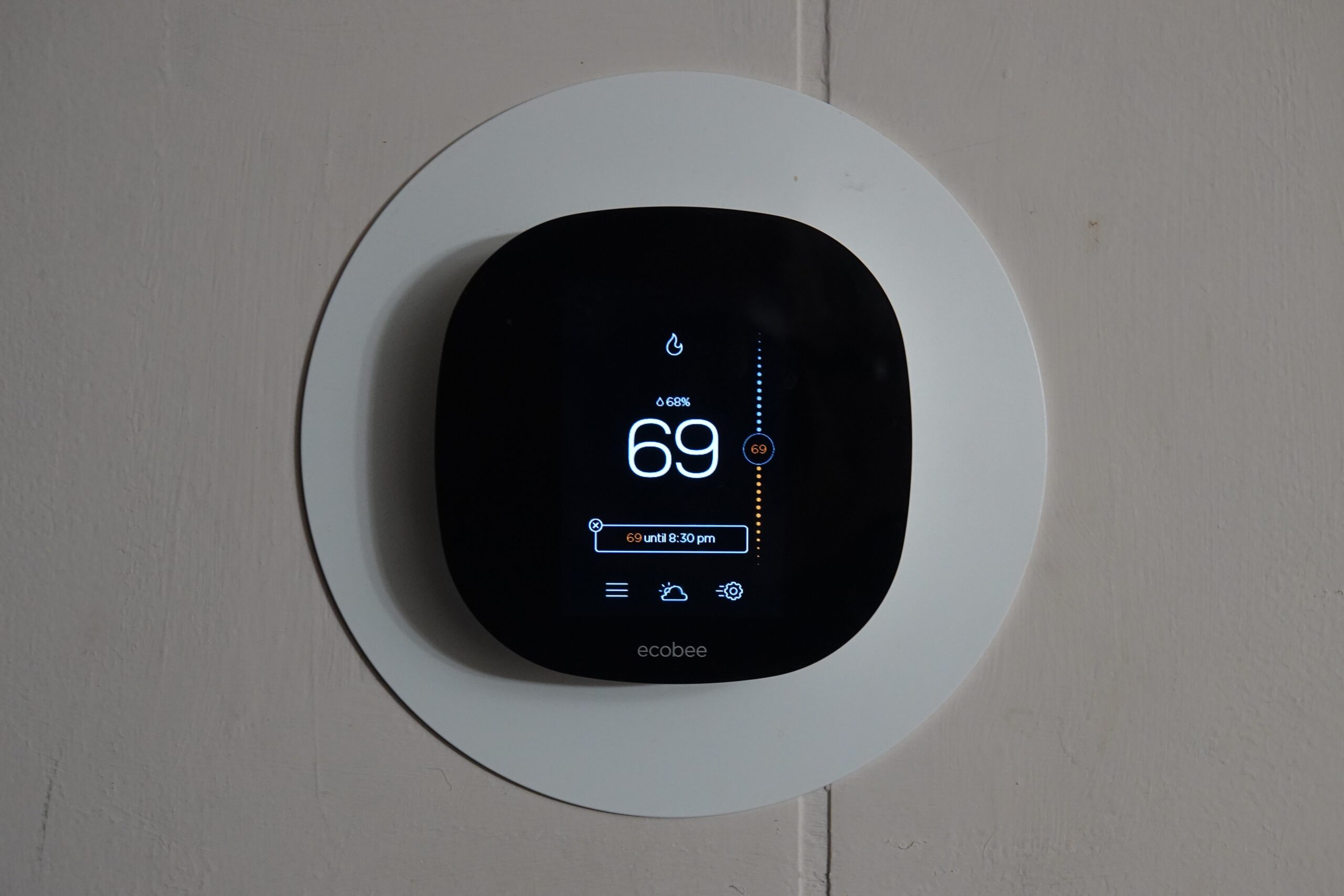
Install a programmable thermostat and make sure that employees know how to use it properly.
Programmable thermostats are more efficient than manual ones because they can be set to automatically adjust the temperature in the room based on the time of day.
For example, if you have your business open from 9:00 am through 5:00 pm on weekdays but not during weekends or holidays, then setting up a programmable thermostat with these settings will save you money because it will turn off automatically when there’s no one around who needs heating or cooling.
5. Ensure The HVAC System Is Working
The first thing you should do when you notice your business electricity bill is to check the HVAC system. This should be done at least once a year, and it’s recommended that you get an expert opinion from a professional technician.
You should check filters, ducts, and coils; clean the coils; check the temperature in each room of your office building, and make sure there are no leaks coming from any part of the system. You should also check that thermostat works properly.
6. Don’t block the vents
Make sure that heating and cooling vents aren’t blocked by furniture or drapery and that there is no debris and dust build-up on the vents.
If you work in a draughty old building, a blockage is more likely to occur than if you work in a modern, energy-efficient building with central air conditioning.
7. Switch off Unused Appliances
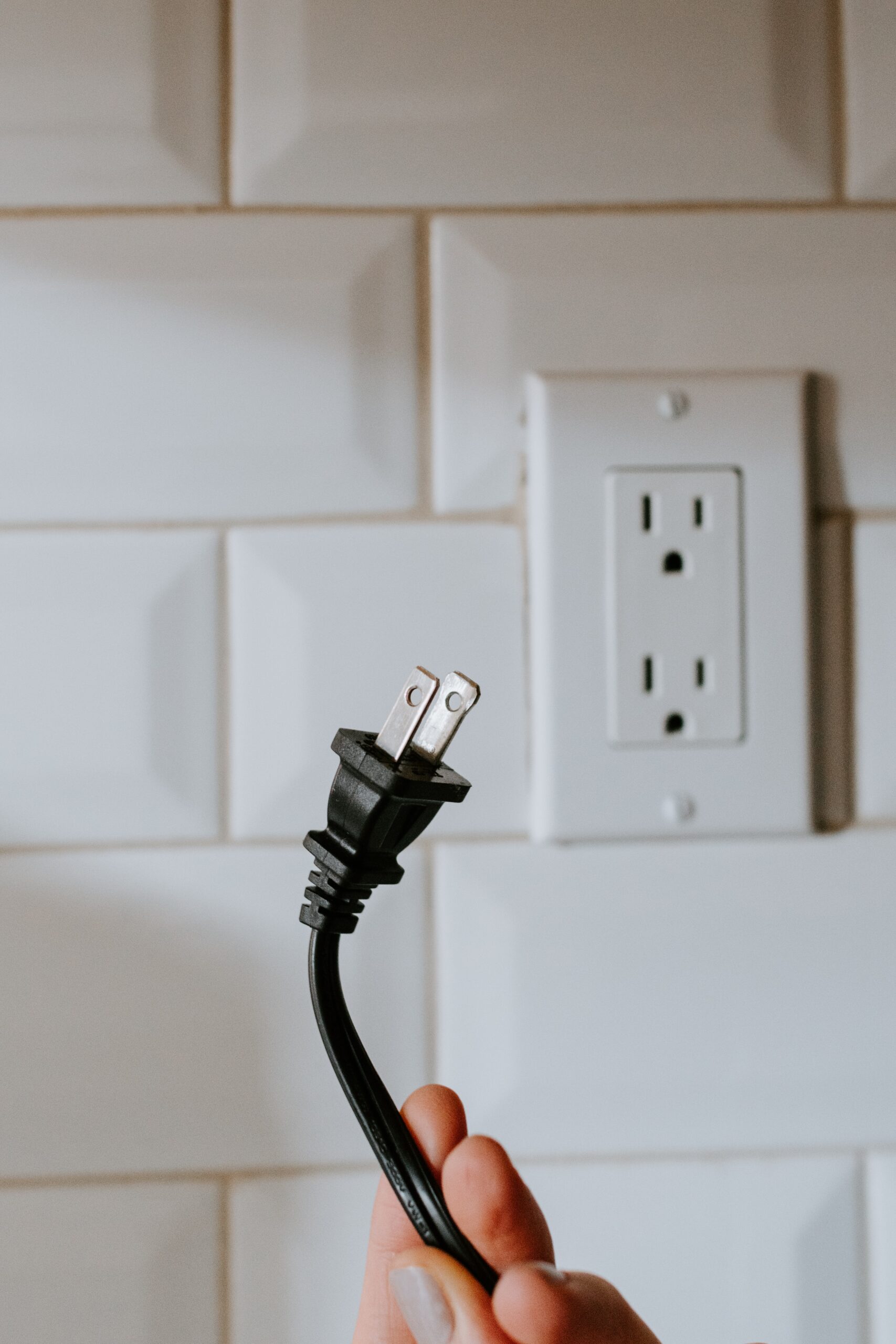
You can remind yourself to switch off appliances and technology that you are not using by placing stickers on them. For example, you can unplug your computer and phone over weekends and pop a sticker or note on them to remind you to do so.
You should also unplug the office kettle, toaster, and microwave when not in use and remove any chargers from the wall.
8. Set computer monitors to sleep when not in use
Set all computer monitors so that the screen goes dark after 30 minutes of non-use, but don’t put all computers into sleep mode because then they won’t be ready for work when employees arrive in the morning and will have to boot up again, wasting time and electricity – just let the monitor go dark to save electricity.
Conclusion
If you are a business owner, consider rewarding employees who come up with ideas to save energy. Owners and employees can work together to cut down on the business’ energy bill by employing any of the steps above. It might also make sense to contact your local electrical contractors in Adelaide if you are in Australia to help you diagnose problems with your electricity bill.