


Choosing the right web hosting service for your website is a critical decision that can significantly impact your online presence, performance, and long-term success. With a myriad of hosting options available, making an informed choice that aligns with your specific needs and goals is essential.
In this article, we will guide you through the process of selecting your hosting smartly, providing insights and tips to ensure that your hosting solution not only meets your current requirements but also supports your growth and success in the long term. From understanding your hosting needs to exploring different hosting types and features, we’ll equip you with the knowledge and considerations necessary to make a wise hosting decision.
Table of Contents
Understand Your Hosting Needs
Understanding your hosting needs is the foundational step in choosing the right hosting service for your website. Your hosting requirements will largely depend on the website type you plan to create, your expected traffic, resource demands, and scalability.
Website Type:
The nature of your website is a primary factor in determining your hosting needs. Different types of websites have varying resource requirements and hosting preferences:
- Personal Blog or Small Website: You can often get by with shared hosting if you’re running a blog or a small website. It’s a cost-effective option where multiple websites share resources on a single computer.
- E-commerce Site: E-commerce sites typically require more resources due to product listings, databases, and potentially high traffic. For better performance and security, you might consider Virtual Private Server (VPS) hosting or managed WordPress hosting.
- Corporate Website: A corporate website may demand dedicated or cloud hosting for the reliability and scalability needed to accommodate a substantial amount of traffic and data.
Traffic Volume:
Your expected website traffic is crucial in selecting the right hosting plan.
- Low Traffic: Shared hosting can be a cost-effective choice for websites with minimal traffic. However, avoid overloading a shared server with excessive traffic or resource-intensive applications.
- Moderate Traffic: If your website anticipates moderate traffic, VPS hosting offers more resources and control, ensuring better performance and reliability.
- High Traffic: High-traffic websites, such as popular e-commerce platforms or news sites, may require dedicated hosting or cloud hosting to handle the load effectively. Look for providers that offer scalable solutions to accommodate traffic spikes.
Resource Requirements:
Your resource requirements depend on the complexity of your website.
- Storage Space: Consider the amount of data, media files, and content you plan to host. Ensure your hosting plan provides sufficient storage space.
- Bandwidth: Bandwidth determines the amount of data your server can transfer to visitors. Websites with multimedia content and heavy traffic need more bandwidth.
- Server Performance: Opt for hosting services that offer adequate server resources (CPU, RAM) to handle your website’s requirements. Slow-loading websites can deter visitors.
- Scalability: As your website expands, your hosting requirements will evolve. Ensure your chosen hosting provider offers scalable solutions, allowing you to upgrade your plan or add resources without experiencing downtime. Scalability is essential for accommodating increased traffic and expanding your online presence.

Hosting Types
There are several types of hosting to choose from, each with its advantages and disadvantages. Some common hosting options include:
Shared hosting
Shared hosting is a popular web hosting option that has its own set of advantages and disadvantages. Understanding these pros and cons is crucial when deciding if shared hosting is the right choice for your website.
Pros:
- Cost-effective.
- Easy to use, especially for beginners.
- Maintenance and support included.
- Quick setup.
- Fair resource allocation.
Cons:
- Limited resources.
- Security risks due to shared environments.
- Limited customization.
- Limited scalability for growing websites.
- Performance may vary due to neighboring sites.
- Less control over server settings.
Virtual Private Server (VPS) Hosting:
VPS Hosting offers a middle ground between shared and dedicated hosting, providing more control and resources. Virtual Private Server (VPS) hosting is a type of web hosting that offers a middle-ground solution between shared hosting and dedicated hosting. Virtualization technology is employed in a VPS hosting setup to partition a physical server into multiple virtual servers. Each virtual server operates independently with its dedicated resources and operating system.
Pros:
- Dedicated resources for better performance.
- Enhanced security and isolation from other users.
- Scalability to accommodate growing websites.
- Customizable server configurations.
- Root access for advanced users.
- Reliable uptime.
Cons:
- Higher cost compared to shared hosting.
- Requires more technical knowledge for management.
- Responsible for server maintenance and security.
- Limited resources compared to dedicated hosting.
- Potential performance variations due to resource sharing.
Dedicated Hosting:
Dedicated hosting is a web hosting solution wherein an entire physical server is exclusively allocated to a single client or website. In this hosting type, all server resources, including CPU, RAM, storage, and bandwidth, are exclusively allocated to the client, offering unparalleled performance, control, and security.
Pros:
- Maximum performance with dedicated resources.
- Enhanced security and isolation.
- Complete customization of server configurations.
- Excellent for high-traffic websites and resource-intensive applications.
- Ideal for businesses with specific server requirements.
- Predictable and reliable server performance.
Cons:
- It is high-cost compared to shared and VPS web hosting.
- Requires advanced technical expertise for server management.
- Responsible for server maintenance, updates, and security.
- Limited scalability compared to cloud hosting.
- Overkill for small websites or projects with low resource demands.
- Initial setup and configuration can be time-consuming.
Cloud Hosting
Cloud hosting is a web hosting solution that utilizes a network of virtual servers, often spread across multiple physical data centers. Instead of depending on a sole physical server, cloud hosting leverages the capabilities of multiple servers, offering flexibility, scalability, and high availability.
Pros:
- Scalability, allowing easy adjustment of resources as needed.
- High availability and redundancy with multiple servers.
- Pay-as-you-go pricing is cost-efficient for varying resource needs.
- No single point of failure, ensuring reliability.
- Rapid deployment and flexibility to handle traffic spikes.
- Remote management and easy data backup and recovery.
Cons:
- Costs can become unpredictable if not carefully managed.
- Limited control over the physical server environment.
- Potential security concerns in shared cloud environments.
- Complex pricing structures with potential hidden fees.
- Reliance on internet connectivity for server access.
- Performance can be variable based on the chosen cloud service provider.
Managed Hosting:
Managed hosting is a web hosting service where the hosting provider takes on the responsibility of server management, maintenance, and technical support, leaving clients free to focus on their website’s content and functionality. This service is especially attractive to those who prefer a hassle-free web hosting experience.
Pros:
- Expert server management, including updates and maintenance.
- Enhanced security measures and regular backups.
- Perfect for individuals with limited technical expertise or time constraints.
- Reliable and predictable web hosting environment.
- Customization options are often available.
Cons:
- Generally higher cost compared to unmanaged hosting.
- Limited control over server configurations for advanced users.
- Potential dependency on the hosting provider for certain tasks.
- May not suit users with specific or unique server requirements.
- Less flexibility in making server-related decisions.
- Some managed hosting providers might limit certain customizations or software installations.
Hosting Features
To choose the best web hosting service for long-term success, consider the features that come with it. Key features to consider include:
Uptime Guarantee:
A dependable web hosting provider should provide a robust uptime guarantee, ensuring that your website remains accessible to users.
Security Measures:
Strong security features, like SSL certificates, DDoS protection, and regular backups, are essential for protecting your website and its data.
Customer Support:
Assess the quality of customer support offered by the hosting company. Responsive and knowledgeable support can be invaluable in case of issues.
Control Panel:
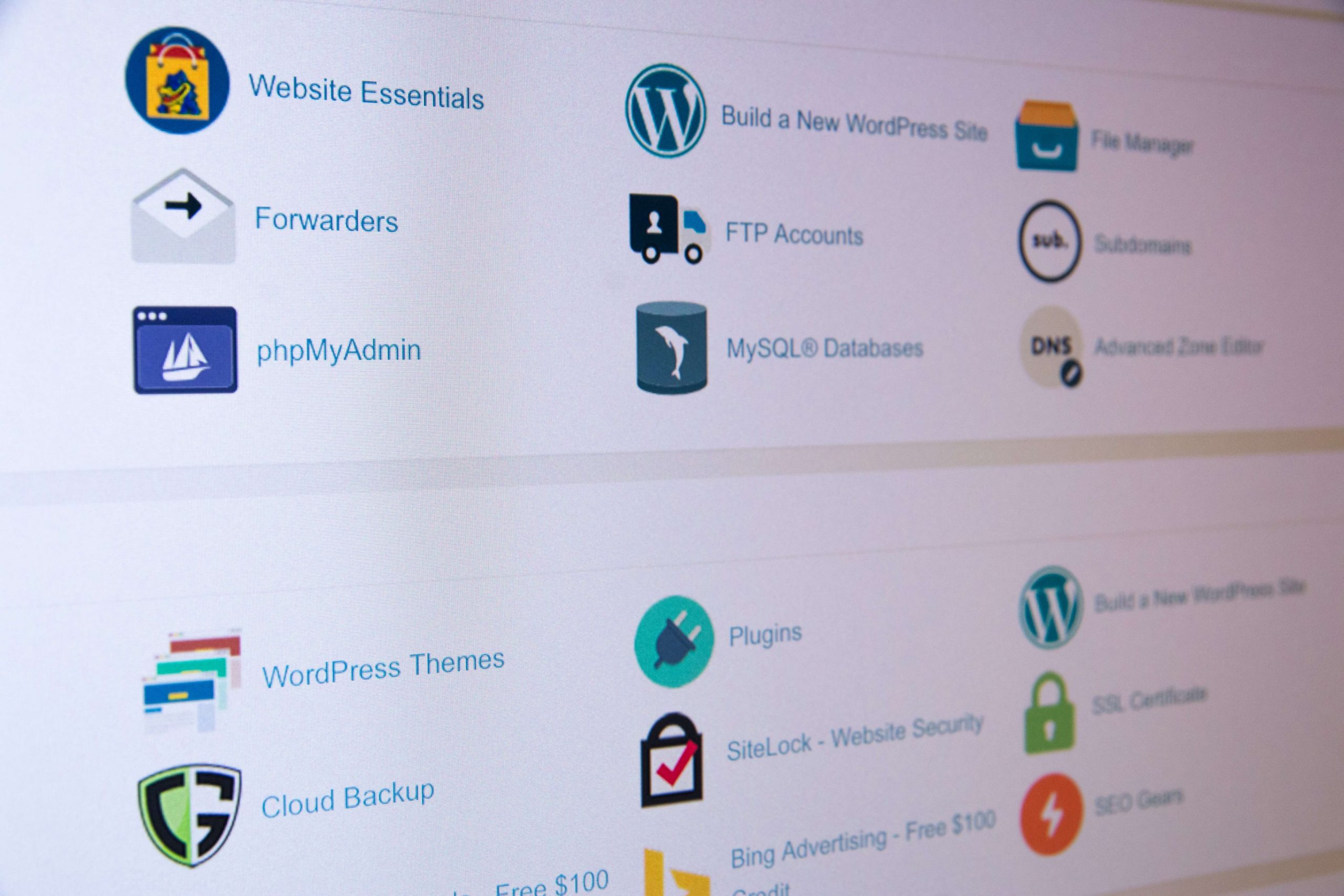
A user-friendly control panel like cPanel or Plesk can make managing your website easier.
Importance of website security in long-term hosting
Performance and Speed
Optimal website performance is essential for both user experience and search engine optimization. Look for a hosting provider that offers:
Fast Loading Times:
Choose a host with high-performance servers and SSD storage to ensure fast website loading.
Content Delivery Network (CDN):
CDNs distribute your website’s content across multiple servers, improving speed and reliability.
Server Locations:
Select a web hosting provider with servers geographically close to your target audience for faster load times.
Pricing and Budget
Determine your budget for hosting services, but keep in mind that choosing the cheapest option may not always be the best choice for long-term success. Balance cost with features and performance to find the right hosting solution for your needs.
Data Backup and Recovery
Website data is valuable, and losing it can be catastrophic. Choose a hosting provider with regular backups and a reliable data recovery system. This is crucial for long-term data preservation.
Consider Scalability
Your website may grow over time, so select a hosting provider with scalability options. Whether running a small blog now or planning a thriving online business, you should be able to upgrade your hosting plan as needed easily.
Research Hosting Providers
Do your homework and thoroughly research hosting providers. Read reviews, compare plans, and consider the experiences of others who have used their services. A reputable hosting company with a track record of good service is essential for long-term success.
Conclusion
Choosing the right hosting service smartly is crucial for ensuring your website’s long-term success. By understanding your needs, selecting the appropriate hosting type, considering essential features, prioritizing performance, managing your budget, and planning for scalability, you can make an informed decision that sets the stage for a thriving online presence. Hosting is vital to your website’s performance and security, making it one of the most critical aspects of your long-term success online.
