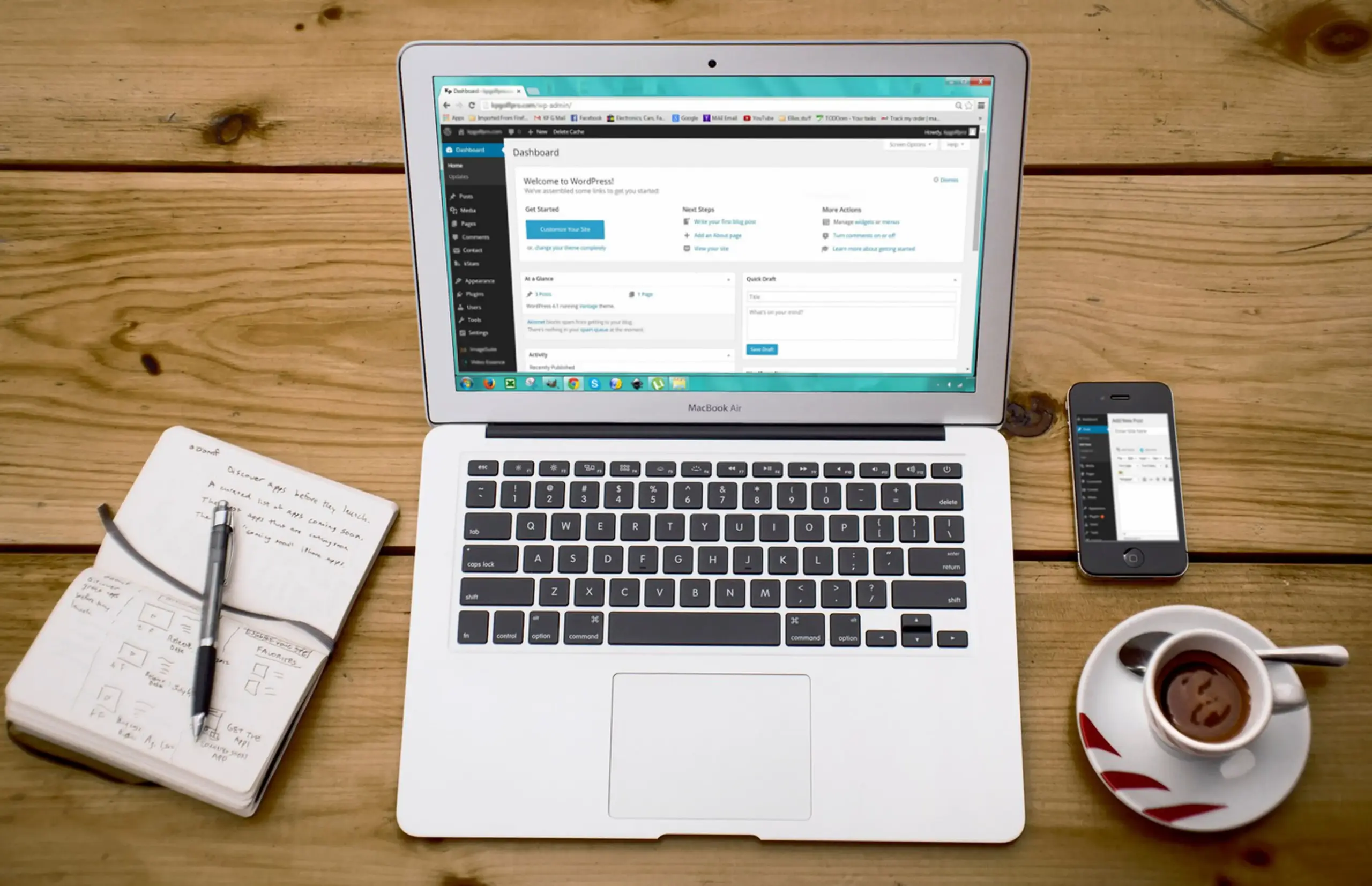
In the digital age, having an accessible website is not just lovely; it’s necessary. Accessibility ensures that everyone can use and enjoy your website regardless of their abilities. This is particularly important as the Internet continues to be an integral part of daily life, offering information, services, and opportunities for social interaction. With its vast plugins, WordPress provides excellent tools to enhance web accessibility, making creating inclusive environments easier for website owners.
This article delves into how these plugins can significantly improve user experience. By understanding the principles of web accessibility and leveraging the right tools, you can make your website more user-friendly and compliant with legal standards. Whether you are a seasoned web developer or a small business owner, incorporating accessibility features is essential for reaching a broader audience and providing equal access to all users.
Table of Contents
Comprehending Web Accessibility
Web accessibility refers to designing websites and tools so people with disabilities can use them. This includes those with visual, auditory, motor, or cognitive impairments. An accessible website allows everyone to perceive, understand, navigate, and interact with the web, ensuring no one is excluded from accessing information or services. This fundamental principle of inclusivity is ethical and a legal requirement in many regions.
Accessibility is crucial for providing equal access to information and functionality, essential for inclusivity and equal opportunity. By implementing accessibility features, you enhance the user experience for all visitors, not just those with disabilities. This can lead to higher engagement rates, improved user satisfaction, and a more successful website. Understanding the importance of web accessibility is the first step in creating a more inclusive online environment.
Common Accessibility Issues in Websites
Many websites need to be more inaccessible due to various issues. For instance, visual impairments like color blindness or low vision can make it difficult for users to read text or distinguish elements. These users may rely on screen readers or require high-contrast modes to navigate effectively. Similarly, hearing impairments can hinder the ability to consume audio content, making providing transcripts or captions for videos and audio files essential.
Motor disabilities may affect users’ ability to navigate websites, mainly if they rely on keyboard-only navigation or assistive technologies like voice commands. Cognitive disabilities can complicate understanding complex layouts and content, necessitating clear and straightforward design choices. Addressing these issues through thoughtful design and accessibility plugins can significantly improve user experience.
Benefits of Using Accessibility Plugins
Using a WordPress accessibility plugin on your site can bring numerous benefits. First, it improves user experience by making your website easier to navigate and interact with. This inclusivity expands your audience’s reach, allowing more people to access your content. When users find your site easy to use, they are more likely to stay longer, return more often, and engage more deeply with your content, products, or services.
Compliance with accessibility standards such as WCAG (Web Content Accessibility Guidelines) and ADA (Americans with Disabilities Act) is another significant advantage. Meeting these standards helps you avoid legal issues and demonstrates your commitment to inclusivity. Additionally, accessible websites often perform better in search engine rankings, boosting SEO and overall site performance. Search engines favor sites that are well-structured and easy to navigate, making accessibility a crucial component of your SEO strategy.
How to Choose the Right Plugin for Your Website
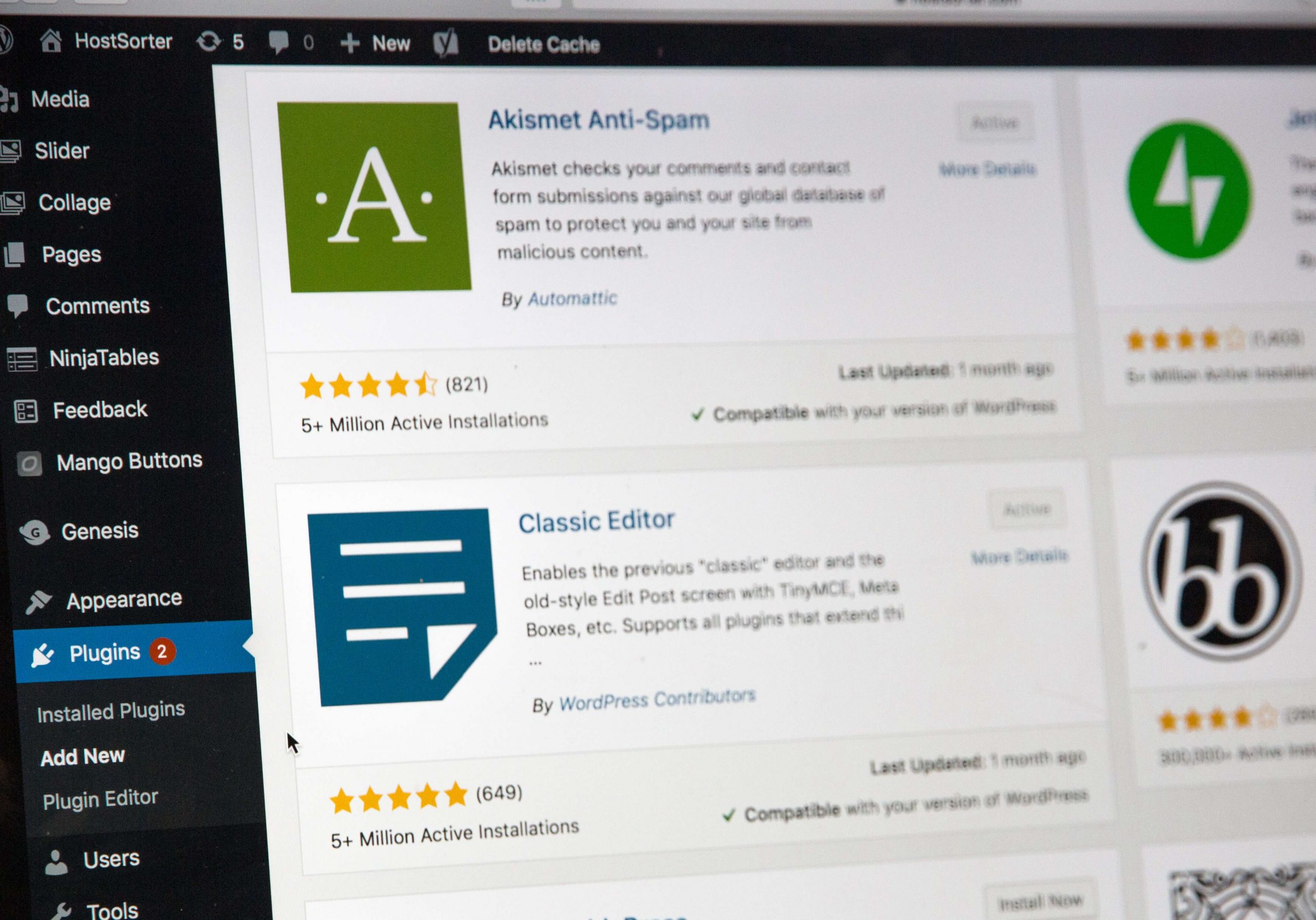
Choosing the right accessibility plugin depends on various factors. Consider your website’s specific needs and the types of content you offer. For example, a blog site may need features that are different from those of an e-commerce platform. Budget is another crucial factor, as some plugins may offer more advanced features at a cost. It’s essential to weigh the cost against the benefits to determine the best option for your needs.
Ease of use is essential, too; the plugin should integrate smoothly with your site and be manageable without extensive technical knowledge. Evaluating plugin effectiveness through reviews and testing can help you make an informed decision. User reviews and case studies can provide valuable insights into how well a plugin performs in real-world scenarios. Additionally, taking advantage of trial periods or free versions can help you assess a plugin’s functionality before committing to a purchase.
Best Practices for Implementing Accessibility Plugins
Implementing accessibility plugins should start with an accessibility audit of your website. Identify areas that need improvement and select plugins that address these issues. Conducting a thorough audit can help you understand your site’s current accessibility status and prioritize areas for enhancement. This initial step is crucial for creating a solid foundation for your accessibility efforts.
Integrate the plugins with your existing design and content carefully to maintain consistency. Regularly updating and maintaining these plugins is essential to ensure ongoing compliance and functionality. Keeping your plugins and site up-to-date is critical as web standards and user needs evolve. Encouraging user feedback can provide insights into how the plugins perform and highlight areas for further enhancement. User feedback is a valuable resource for continuous improvement and ensuring that your site remains accessible and user-friendly.
Integrating Accessibility with Overall Website Design
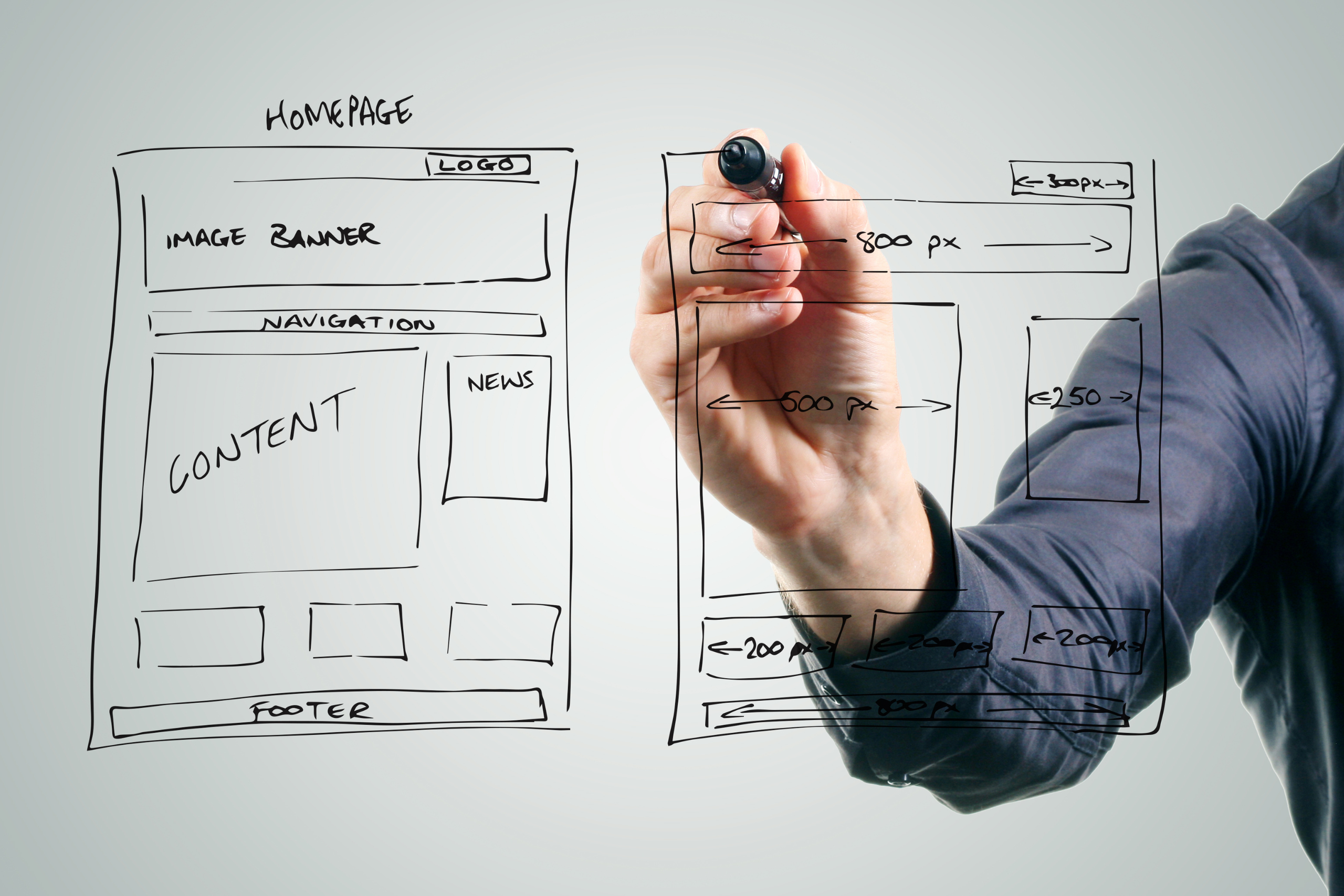
Integrating accessibility features shouldn’t be an afterthought but a core part of your website’s design process. Start by considering accessibility during the initial planning stages, ensuring your design choices facilitate an inclusive user experience. This includes using high-contrast color schemes, clear and legible fonts, and straightforward navigation structures. By building accessibility into the foundation of your website, you create a more cohesive and user-friendly environment for all visitors.
Moreover, accessibility plugins can be seamlessly incorporated into your design to enhance functionality without disrupting the aesthetic appeal. Tools like screen readers, keyboard navigation support, and alternative image text can be integrated without compromising your site’s visual and interactive aspects. This holistic approach ensures that accessibility is a natural part of your website’s design, making it more welcoming and easier to use for everyone.
The Future of Web Accessibility
The web accessibility landscape constantly evolves, driven by technological advancements and changing user needs. Staying informed about these changes is crucial for maintaining an accessible website. Emerging technologies like AI and machine learning are beginning to play a significant role in accessibility. These technologies can automate and enhance web accessibility, from real-time text-to-speech capabilities to personalized user experiences based on individual accessibility needs.
Additionally, keeping up-to-date with the latest guidelines and legal requirements is essential as regulatory standards evolve. By staying proactive and adaptable, you can ensure that your website remains compliant and accessible to all users. The future of web accessibility promises more innovative solutions and tools that will make it even easier to create inclusive digital spaces. Embracing these advancements will help you stay ahead and provide the best possible user experience.