Maintaining a strong and efficient online presence is crucial for staying ahead in today’s competitive landscape. Simply having a website is no longer enough; keeping it updated, functional, and aligned with market trends requires substantial time and effort. With new platforms emerging, businesses now have innovative tools to optimize their websites, streamline operations, and adapt to ever-changing demands—all without the need for an extensive team. One standout option is Webflow, a platform offering the perfect balance of design flexibility, reliability, and scalability. Let’s explore why Webflow is an ideal choice for your business website.
Table of Contents
What is Webflow?
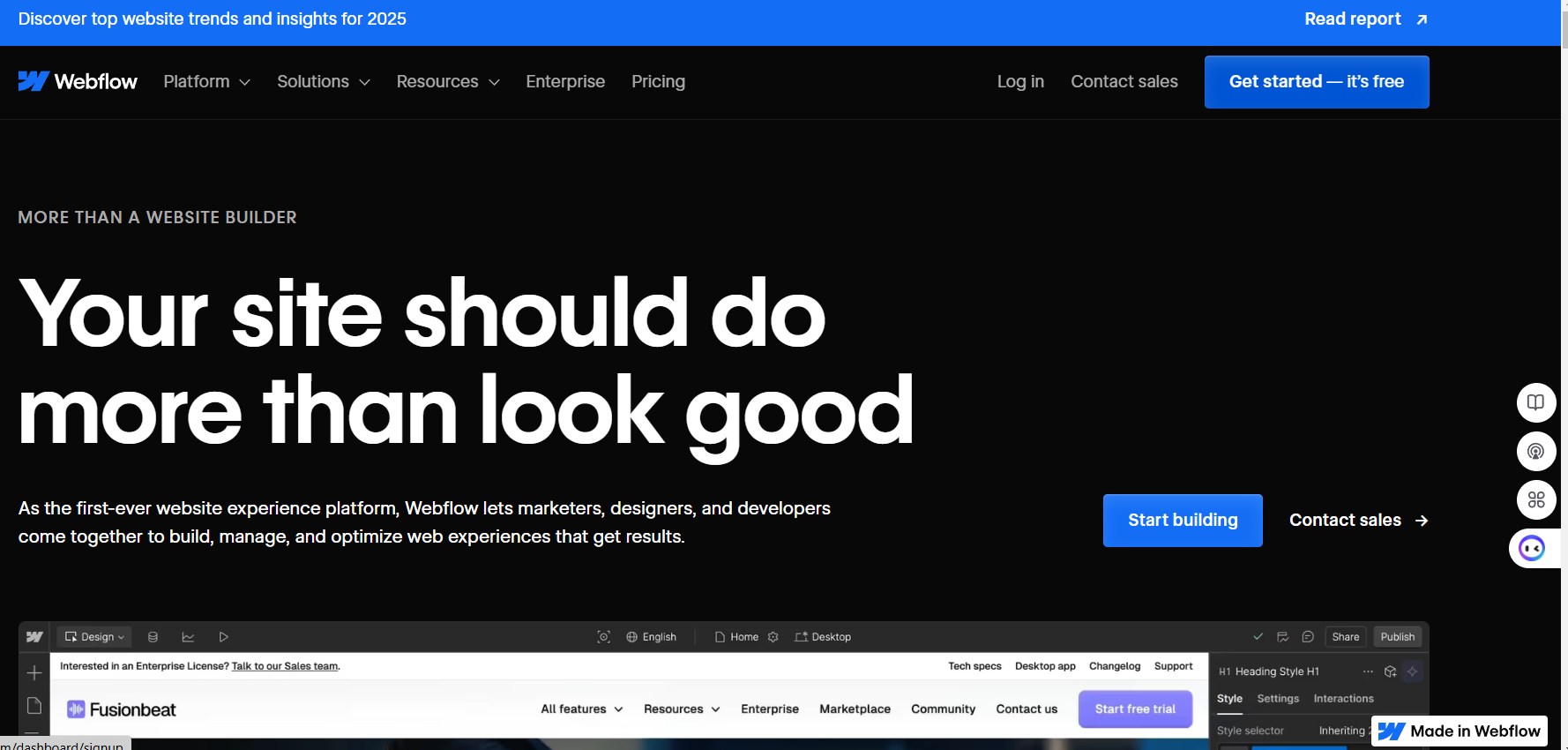
Webflow is a powerful no-code website builder, content management system (CMS), and hosting platform all rolled into one. It’s designed for creators who want full control over the look, feel, and functionality of their websites, without needing to write extensive code. At its core, Webflow empowers users to visually design their website using a drag-and-drop interface, while automatically generating clean, semantic HTML, CSS, and JavaScript in the background.
Unlike traditional site builders like Wix or Squarespace, which rely on rigid templates, Webflow offers unmatched design freedom. You can start from a blank canvas or a pre-built template, and build exactly what you envision—whether it’s a marketing website, portfolio, blog, ecommerce store, or SaaS landing page.
What truly sets Webflow apart is that it bridges the gap between design and development. It gives designers the ability to implement their vision pixel-perfectly, while also offering developers the option to add custom code for more advanced functionality. Additionally, marketers and content editors can use Webflow’s CMS to update site content without disrupting the design structure, creating a collaborative environment.
Webflow also handles hosting and security. Once your site is ready, you can publish it instantly using Webflow’s fast and secure global infrastructure. With features like built-in SSL, automatic backups, and a global content delivery network (CDN), your site stays safe and loads quickly for visitors around the world.
In short, Webflow is more than just a website builder—it’s a complete web design and development platform for businesses, freelancers, and agencies that want to create professional-grade websites without sacrificing flexibility, performance, or scalability.

Key Features of Webflow
1. Visual Design Interface
Webflow’s visual design interface is a true game-changer. Known as the Designer, this tool lets you create custom layouts and styles visually while maintaining control over the underlying code. Every element you add is rendered in real time, and the platform mirrors industry-standard CSS box model and DOM structure.
This is especially beneficial for teams where designers and developers collaborate. Designers can execute high-fidelity designs, while developers can fine-tune with custom code if needed.
2. Responsive Design Controls
More than 55% of global web traffic comes from mobile devices. Webflow allows you to build websites that are fully responsive by default and gives you the tools to fine-tune how your content appears on different screen sizes, from desktop to tablet to smartphone. Breakpoints are easy to manage, ensuring a seamless user experience across all devices.
3. Integrated CMS
Webflow’s CMS is a core differentiator. Instead of relying on plugins or external databases, you can create dynamic content collections—such as blog posts, team profiles, case studies, or product listings—right within the platform. This allows non-technical content managers to easily update the site without breaking the layout.
You can also use the CMS API to integrate your content with external systems, giving you the power to scale.
4. Hosting and Site Performance
Webflow hosts your site on AWS-powered servers with an enterprise-grade global CDN, ensuring lightning-fast load times anywhere in the world. It offers:
- SSL certification by default
- Daily backups
- Version history and restore options
- Zero maintenance overhead (no need to manage servers or updates)
The result? You get performance that rivals hand-coded websites with the ease of a cloud-based solution.
5. SEO-Friendly Architecture
With Webflow, SEO is not an afterthought. You can:
- Customize meta titles and descriptions
- Edit slugs and 301 redirects
- Add alt tags to images
- Auto-generate XML sitemaps and robots.txt
- Integrate schema markup
This means your site can be optimized for search engines out of the box—no plugins required.

Why Businesses Choose Webflow
1. Cost-Effective Web Development
Hiring a web developer and designer separately—or working through a custom agency—can cost tens of thousands of dollars. Webflow drastically reduces these costs by enabling you to create professional websites in-house or as a freelancer.
2. Rapid Prototyping and Launch
Webflow allows teams to go from concept to live website much faster than traditional development cycles. You can create interactive prototypes and launch directly from the same platform, accelerating time to market.
3. Collaboration and Workflow Integration
Webflow offers features like user roles, team dashboards, and commenting, which streamline communication among stakeholders. Plus, Webflow integrates with tools like Zapier, Figma, Airtable, and Slack, improving workflow efficiency.
4. Branding and Customization
Because Webflow isn’t restricted to fixed templates, brands can express their unique identity without compromise. Every element—from typography to animation—can be customized to create a site that feels truly original.

Case Studies and Real-World Examples
Lattice: From Design Bottleneck to Growth Engine
Lattice, an HR software company, used Webflow to move from engineering-constrained updates to real-time marketing edits. Their team achieved:
- 20% increase in conversion rates
- 20% boost in organic traffic
- Complete autonomy for marketing teams
(Source: Webflow Customers)
Orangetheory Fitness: Streamlining Global Operations
Orangetheory needed to centralize its web presence across hundreds of franchise locations. Webflow empowered them to:
- Save $6 million/year in development costs
- Deploy localized content easily
- Maintain brand consistency
(Source: Webflow Customers)
Webflow vs. Other Website Builders
| Feature | Webflow | Wix | Squarespace | WordPress |
|---|---|---|---|---|
| Design Freedom | Full Customization | Template-Based | Template-Based | Theme-Based |
| CMS Capabilities | Built-In + API | Limited | Limited | Powerful (with plugins) |
| Code Access | Yes | Limited | No | Yes |
| Hosting Included | Yes | Yes | Yes | Varies |
| Performance | Enterprise-Grade CDN | Good | Good | Depends on host |
| Learning Curve | Moderate | Easy | Easy | Moderate to Hard |
Getting Started with Webflow
Starting with Webflow is simple:
- Create an Account – Sign up for free at webflow.com.
- Explore Templates – Choose from hundreds of professionally designed templates or start from scratch.
- Customize Your Site – Use the visual editor to design and build your layout.
- Add Dynamic Content – Set up collections in the CMS for scalable content.
- Optimize for SEO – Adjust SEO settings for visibility.
- Publish – Launch your site on a Webflow subdomain or connect your custom domain.
Final Thoughts
Webflow is redefining what’s possible in web design and development. It empowers businesses to launch custom, high-performance websites faster and at lower costs—without compromising on design or scalability. Whether you’re a solo founder building your first landing page or a large enterprise unifying a global web presence, Webflow offers the tools, performance, and freedom you need to grow.
With its hybrid of visual design, dynamic CMS, integrated hosting, and enterprise-grade scalability, Webflow isn’t just a website builder—it’s the future of the web.