

This article was originally published on July 21, 2011, and updated on May 3, 2026.
Technology can make a sales meeting smoother, faster, and more professional — but only when it supports the conversation. Learn how small business owners can use tablets, smartphones, digital presentations, pricing tools, and sales apps wisely during client meetings.
Key Takeaways
- Technology should support the sales conversation, not dominate it. Use tablets, phones, laptops, and apps only when they help the client understand your offer or take the next step.
- Preparation matters more than the device. Organize your files, charge your device, save materials offline, and test your apps before the meeting.
- Privacy is part of professionalism. Turn off notifications, close personal files, and protect sensitive business or client information before showing anything on screen.
- Digital follow-up can improve your close rate. Use notes from the meeting to send a personalized proposal, estimate, or summary instead of a generic sales packet.
- Do not use technology just to impress prospects. Clients care more about clarity, trust, and relevance than the device you bring to the meeting.
There was a time when bringing an iPad to a sales meeting felt impressive. Today, that novelty is gone. Clients have smartphones, tablets, laptops, apps, digital wallets, and their own online dashboards. Simply pulling out a device no longer makes a salesperson look modern. In some cases, it can even make the meeting feel less personal.
But that does not mean tablets, phones, laptops, digital portfolios, pricing calculators, CRM apps, proposal software, and payment tools have no place in a sales call. Used well, technology can help a small business owner answer questions faster, show examples more clearly, personalize the conversation, and follow up more professionally. Used poorly, it can create awkward pauses, expose private information, distract the client, or make the meeting feel more about the device than the customer.
That distinction matters. Google’s own content guidance emphasizes helpful, reliable, people-first content — and the same principle applies to sales conversations. The goal is not to show that you have tools. The goal is to use those tools to make the client’s decision easier, clearer, and more confident.
For small business owners, consultants, contractors, service providers, coaches, real estate professionals, financial advisors, and home-based entrepreneurs, the question is no longer, “Should I bring an iPad on a sales call?” The better question is: Will this technology improve the customer’s experience — or get in the way?
Table of Contents
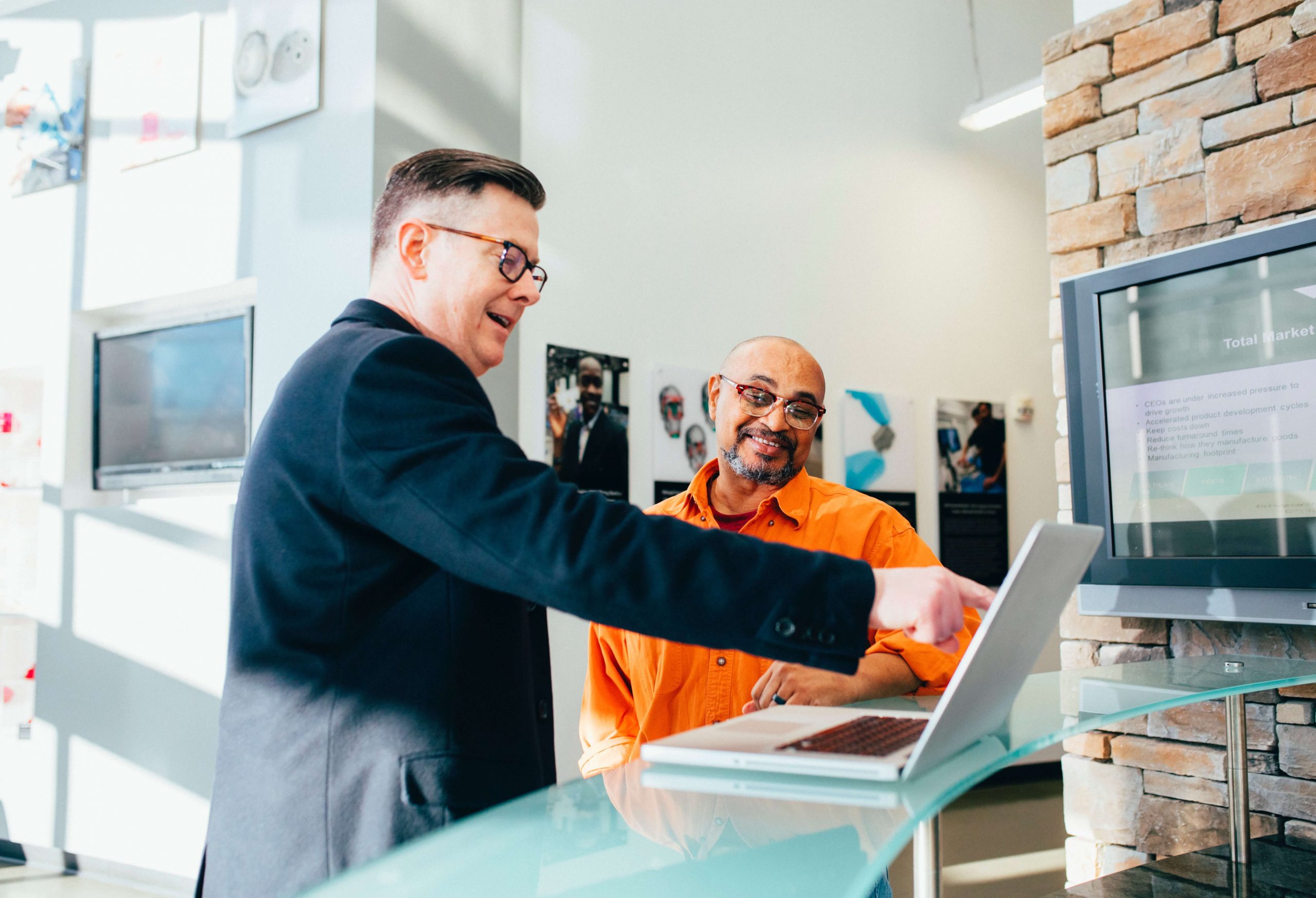
Why Technology Should Support the Sales Conversation, Not Replace It
The best sales meetings still depend on listening, trust, preparation, and relevance. Technology should support those things, not compete with them.
A tablet can help you show a portfolio. A smartphone can pull up a calendar to schedule the next appointment. A laptop can walk through a proposal. A CRM app can confirm past client details. A payment app can help close the transaction on the spot. But none of these tools will save a weak sales conversation if the customer feels ignored, rushed, or overwhelmed.
This is especially important now because buyers are used to fast, personalized, digital experiences. Salesforce’s customer expectation research has reported that many customers expect better personalization as technology advances, and that customer experience can matter as much as the product or service itself.
For a small business, that means the technology you bring into a meeting should help you do at least one of four things:
- Explain your offer more clearly
- Answer the client’s questions more accurately
- Make the buying process easier
- Create a more professional follow-up experience
If the device does not help with one of those goals, it probably does not need to be part of the meeting.
The Modern Sales Meeting Technology Test
Before using a tablet, phone, or laptop in front of a prospect, ask yourself one simple question: Does this make the meeting better for the client?
That question sounds obvious, but many business owners use technology out of habit. They open a slide deck because they made one. They pull up an app because it exists. They scroll through a website because they do not have a better sales flow prepared. The result can feel clumsy instead of professional.
Technology works best when it removes friction. It should help you show before-and-after photos, compare options, explain pricing, collect information, schedule a follow-up, demonstrate a product, or send a proposal. It should not turn the sales call into a screen-sharing exercise where the client watches you search for files.
Here is a simple way to decide what belongs in the meeting.
| Use Technology When It Helps You… | Avoid Technology When It… |
|---|---|
| Show visual proof, examples, photos, case studies, or demos | Distracts you from listening to the client |
| Explain pricing, packages, timelines, or options clearly | Forces the client to wait while you search for files |
| Personalize the discussion using relevant client information | Makes the meeting feel scripted or impersonal |
| Capture notes, schedule the next step, or send a proposal | Exposes personal files, notifications, or unrelated apps |
| Make payment, booking, or follow-up easier | Creates technical delays or awkward troubleshooting |
This is the standard every small business owner should use: technology should make the meeting feel smoother, not more complicated.
Do Use Technology When It Simplifies the Sales Call
One of the best reasons to use a tablet or laptop during a sales meeting is simplicity. Instead of carrying folders, brochures, printed price sheets, sample contracts, catalogs, and testimonials, you can organize much of that information digitally.
For example, a home improvement contractor may use a tablet to show before-and-after photos of past projects. A web designer may walk through a client’s current website and show examples of better layouts. A consultant may use a simple pricing sheet or ROI calculator. A cleaning company may show service packages, insurance documentation, and testimonials. A personal chef may show menus, event photos, and client reviews.
The key is preparation. The client should not watch you dig through your email, open ten tabs, scroll through your camera roll, or search your downloads folder. Everything you need should be organized before the meeting begins.
A good sales meeting device should have a clean folder or app setup that includes:
| What to Prepare | Why It Matters |
|---|---|
| Portfolio or case study examples | Helps the client visualize your work |
| Pricing or package information | Makes the buying decision clearer |
| Testimonials or reviews | Builds trust and reduces uncertainty |
| Proposal template | Helps you move quickly after the meeting |
| Calendar access | Makes it easier to book the next step |
| Offline copies of key files | Protects you if Wi-Fi or mobile data fails |
| Payment or deposit option | Helps close the sale when the client is ready |
This is where technology can give a small business a real advantage. It allows you to look prepared, organized, and responsive — without carrying a briefcase full of paper.

Don’t Use Technology Just to Look Impressive
A common mistake is using technology because it feels modern, not because it adds value.
Clients are rarely impressed by the device itself. They care about whether you understand their problem, whether your product or service solves it, whether your pricing makes sense, and whether they trust you to deliver. If your tablet, laptop, or phone helps communicate those things, use it. If it simply creates a performance, skip it.
This is especially true for small business owners who sell services. A flashy presentation may look polished, but it can also create distance if the client wanted a conversation. A prospect who is trying to explain a real business problem, home repair issue, legal concern, financial question, or personal need may not want to sit through a generic deck.
Technology should never become a substitute for listening. If the customer says something important, stop scrolling. Look up. Ask a follow-up question. Take notes only when it is appropriate. Make the client feel heard before you try to show them something.
The best use of technology in a sales meeting often happens after the client has spoken. That is when you can say, “Based on what you just told me, let me show you an example that fits your situation.”
Do Use Digital Materials Strategically
One of the strongest benefits of using a tablet, laptop, or phone during a sales call is that you can show information without immediately leaving behind printed copies of everything.
In some situations, this is useful. You may not want to leave a detailed pricing sheet that can be shopped around to competitors. You may prefer to send a customized proposal after the meeting instead of giving the same generic packet to every prospect. You may want to show examples, then follow up with only the materials that are most relevant to that particular client.
This does not mean you should be secretive or difficult. It means your follow-up should be intentional.
Instead of handing over a thick packet, you can say:
“After our meeting, I’ll send a short summary of the options we discussed, along with the estimate and next steps.”
That approach keeps the meeting focused and gives you a reason to follow up. It also allows you to personalize the materials based on what the client actually cares about.
For many small businesses, this is far better than handing out a generic brochure that ends up in a drawer.
Don’t Let the Device Take Over the Meeting
A sales meeting can quickly lose momentum when the business owner becomes more focused on the screen than the client. This often happens in small ways. You check a notification. You look for a file. You adjust brightness. You open the wrong app. You start reading from your own slides. The meeting shifts from conversation to device management.
To avoid this, decide ahead of time how much screen time the meeting actually needs. Some meetings may require only five minutes of visual support. Others may need a full demo. But even during a demo, the customer should remain the center of the discussion.
A useful rule is to narrate why you are using the device. For example:
“Let me show you two examples so you can see the difference between the basic and premium options.”
Or:
“I’m going to pull up the calendar so we can find a realistic installation date.”
That small explanation tells the client that the technology has a purpose. You are not just fiddling with a screen. You are using the tool to move the conversation forward.
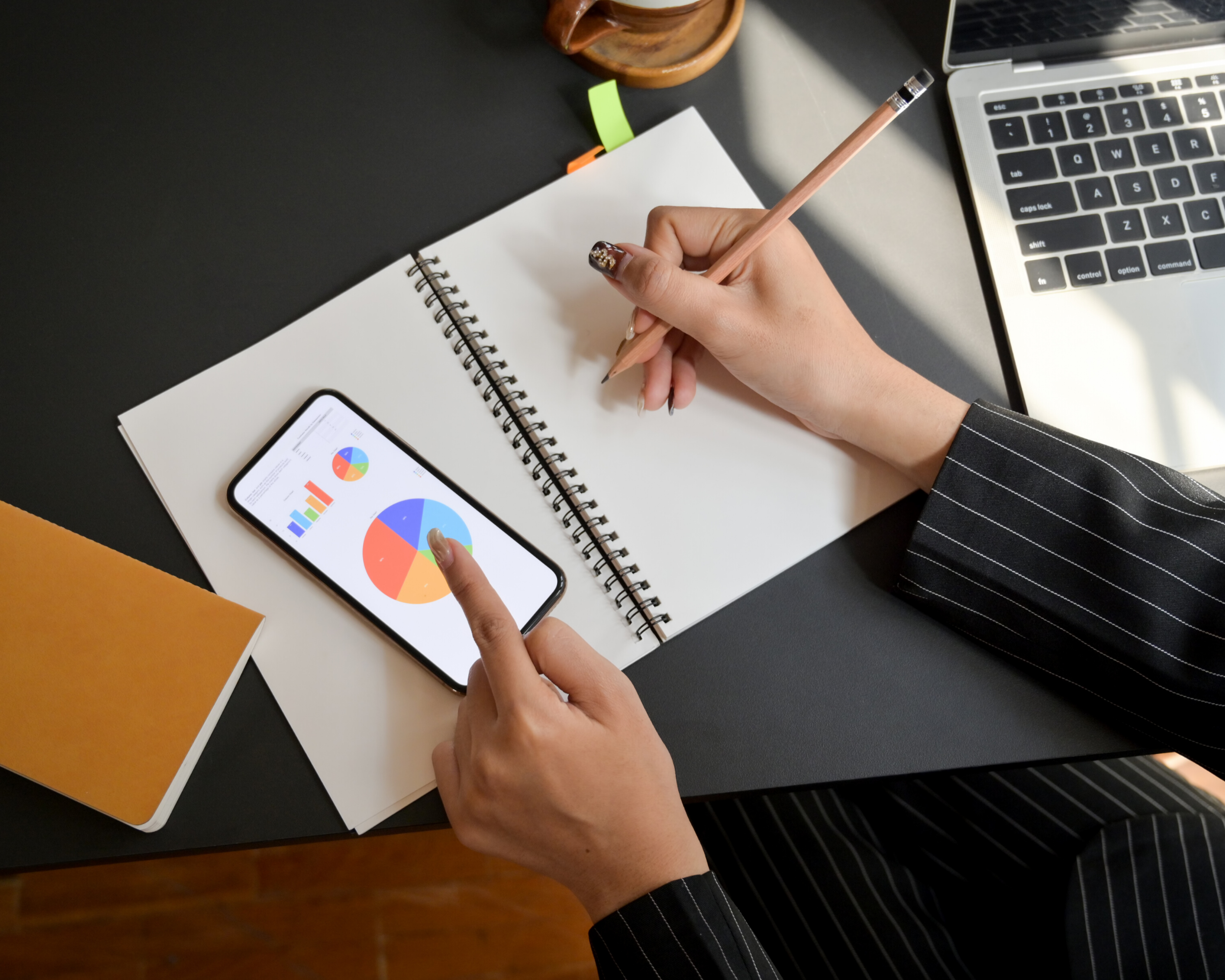
Do Protect Client and Business Information
The original version of this article warned against using a tablet loaded with personal files. That advice is even more important today.
Your phone, tablet, or laptop may contain personal photos, tax files, client contracts, banking apps, email messages, private texts, saved passwords, screenshots, invoices, or confidential business information. One accidental swipe, notification, or search result can create an embarrassing or even serious privacy problem.
The Federal Trade Commission advises businesses to understand what personal information they have, where it is stored, who has access to it, and how it is protected. The FTC also recommends keeping only the data you need and protecting the information you keep.
For sales meetings, that means your device should be set up professionally before it ever reaches the client’s view. At a minimum, consider these steps:
| Privacy Step | Why It Matters |
|---|---|
| Turn on Do Not Disturb or Focus Mode | Prevents personal messages from appearing |
| Close unrelated apps and browser tabs | Reduces distractions and privacy risks |
| Use a dedicated business folder | Keeps sales materials easy to find |
| Remove sensitive files from the device | Limits exposure if the client handles it |
| Use strong passwords or biometric access | Helps protect business and client data |
| Avoid opening personal email or photos | Prevents accidental oversharing |
| Use a separate business profile or device if needed | Keeps business and personal use apart |
The FTC’s small-business cybersecurity guidance also recommends using strong passwords and protecting devices from unauthorized access. NIST’s mobile device security guidance similarly recognizes that mobile devices are now used to access networks and process sensitive data, making their security a real business concern — not just an IT issue.
For a small business owner, this is about more than avoiding embarrassment. It is about professionalism, trust, and basic risk management.
Don’t Assume the Internet Will Work
One of the easiest ways to derail a sales meeting is to rely completely on Wi-Fi or mobile data. The more important the meeting, the more likely you are to run into a dead zone, weak signal, expired login, slow-loading website, forgotten password, or app update at the worst possible time.
Prepare for that before the meeting.
Download key files in advance. Save your presentation offline. Keep screenshots of important examples. Make sure videos are loaded or available without buffering. Bring a charger or power bank. If you need a hotspot, test it. If you are demonstrating software, make sure your login works before you arrive.
The goal is not to eliminate every possible problem. The goal is to avoid looking unprepared when a predictable problem occurs.
A simple pre-meeting technology checklist can help.
| Before the Meeting | Check |
|---|---|
| Device is fully charged | ☐ |
| Charger or power bank is packed | ☐ |
| Key files are saved offline | ☐ |
| Apps and software are updated | ☐ |
| Notifications are turned off | ☐ |
| Presentation or portfolio is easy to access | ☐ |
| Payment, scheduling, or proposal tools are working | ☐ |
| Personal files and tabs are closed | ☐ |
| Backup plan is ready if Wi-Fi fails | ☐ |
This kind of preparation may seem basic, but it can make a major difference in how confident and professional you appear.
Do Use Technology to Personalize the Follow-Up
The sales meeting does not end when the conversation ends. In many cases, the follow-up is where the sale is won or lost.
Technology can help here, too. Instead of sending a generic “Thanks for meeting” email, use your notes from the meeting to send a specific, helpful summary. Mention the client’s goals, the options discussed, the next step, and any deadline or decision point.
For example:
“Thank you for meeting with me today. Based on your goal of reducing maintenance time and keeping the project under budget, I recommend starting with Option B. I’ve attached the estimate, timeline, and two examples similar to what we discussed.”
That kind of follow-up feels personal. It shows that you listened. It also gives the client a clear path forward.
This is where CRM tools, email templates, proposal software, digital signatures, and scheduling apps can be useful. They help you respond faster without making the communication feel generic.
Don’t Use AI or Automation Without Reviewing the Output
Many small business owners now use AI tools to draft proposals, summarize calls, write follow-up emails, create slide decks, analyze leads, or organize sales notes. These tools can save time, but they can also cause problems if the output is inaccurate, overly generic, or overly aggressive.
Salesforce’s 2026 State of Sales report notes that many sales teams are already using or planning to use AI agents, especially as they face high customer expectations and limited capacity. But small businesses should use these tools carefully.
Never send an AI-generated proposal, estimate, or follow-up email without reviewing it. Make sure the pricing is correct, the client’s name is spelled properly, the tone matches your business, and the recommendations reflect what was actually discussed.
AI can help you move faster. It should not make you careless.

Best Practices for Using Technology in Sales Meetings
The most effective sales technology is usually simple, relevant, and invisible until it is needed. You do not have to use every tool available. You only need the tools that make your sales process easier for the customer.
Here are the most important dos and don’ts.
| Do | Don’t |
|---|---|
| Use technology to clarify the client’s options | Use technology just because it looks impressive |
| Prepare files, examples, and pricing before the meeting | Search for materials while the client waits |
| Turn off notifications | Let personal messages appear on screen |
| Keep the client at the center of the conversation | Stare at your device instead of listening |
| Save important materials offline | Depend entirely on Wi-Fi or mobile data |
| Use digital follow-up to personalize the next step | Send generic materials that ignore the conversation |
| Protect sensitive business and client information | Hand over a device with personal files exposed |
The goal is not to be the most high-tech business in the room. The goal is to be the most prepared, helpful, and trustworthy.
Final Thoughts
Technology can be a powerful sales tool, but only when it serves the client. A tablet, smartphone, laptop, CRM app, digital portfolio, or pricing calculator should make the meeting easier to understand, not harder to follow. It should help you answer questions, show proof, explain options, and move the client toward a confident decision.
For small business owners, the real advantage is not the device itself. It is the preparation behind it. When your sales materials are organized, your privacy settings are ready, your files are accessible, and your follow-up process is clear, technology can make you look more professional and help the client feel more confident.
But when the technology distracts, delays, or takes attention away from the customer, it works against you.
Use technology when it improves the meeting. Leave it aside when it does not. The best sales conversations are still built on trust, listening, and relevance — and the right tools should strengthen those things, not replace them.
FAQ
Should I use a tablet or laptop during a sales meeting?
Yes, but only when it improves the conversation. A tablet or laptop can be useful if you need to show a portfolio, explain pricing, review a proposal, demonstrate software, schedule a follow-up, or collect information. However, it should not become the center of the meeting. If the client is explaining a problem or asking detailed questions, your attention should be on the client, not the screen. The best approach is to use technology intentionally. Before the meeting, decide what you need to show and why. If the device helps the client understand your value faster, use it. If it adds friction, leave it aside.
Is it unprofessional to use a phone during a client meeting?
Using a phone during a client meeting can look unprofessional if it appears that you are checking messages, multitasking, or becoming distracted. However, a phone can be appropriate when it serves a clear business purpose. For example, you may use it to schedule the next appointment, process a payment, pull up a client-specific photo, or confirm an important detail. The key is to explain what you are doing. Instead of silently picking up your phone, say, “Let me check my calendar so we can schedule the next step.” Also make sure notifications are turned off so personal messages do not interrupt the meeting.
What should I prepare on my device before a sales call?
Before a sales call, prepare only the materials that are relevant to the prospect. This may include your portfolio, case studies, pricing sheets, testimonials, product photos, proposal templates, contracts, calendar, and payment tools. Save important files offline in case the internet connection is weak. Close unrelated browser tabs and apps. Turn on Do Not Disturb or Focus Mode to prevent notifications from appearing. If you will show the client your screen, make sure your desktop, downloads folder, camera roll, and browser history do not expose personal or confidential information. The more prepared your device is, the smoother and more professional the meeting will feel.
Should I leave printed materials or send digital copies after the meeting?
In many cases, it is better to send a personalized digital follow-up after the meeting instead of handing over a generic printed packet. A digital follow-up allows you to summarize the client’s specific needs, recommend the most relevant option, attach the correct estimate, and outline the next step. Printed materials can still be useful for certain industries, especially when clients prefer something tangible. But for pricing, proposals, and customized recommendations, digital follow-up often gives you more control and makes the communication feel more tailored. The best approach is to ask the client what they prefer and then send only the materials that support their decision.
What is the biggest mistake small business owners make when using technology in sales meetings?
The biggest mistake is allowing the technology to distract from the client. This can happen when the business owner spends too much time searching for files, reading from slides, checking notifications, or troubleshooting apps. It can also happen when the presentation is too generic and does not reflect the client’s actual needs. Technology should make the meeting clearer and more useful. It should not make the client feel ignored or rushed. A good rule is to use technology only when it helps answer a question, show proof, compare options, or move the sale forward. Otherwise, focus on the conversation.

Great tips. Thanks for sharing. I’ve learned a lot about your post. Keep posting. Have a great day always!
Great tips. Thanks for sharing. I’ve learned a lot about your post. Keep posting. Have a great day always!
Hi,
In this fast moving age it is really necessary to know all Do`s and Don`ts about internet. I am glad to read your post as you discussed about ipads for customer convenience. May I know the source by which you are providing information?
Hi,
In this fast moving age it is really necessary to know all Do`s and Don`ts about internet. I am glad to read your post as you discussed about ipads for customer convenience. May I know the source by which you are providing information?
Wow, this is in every respect what I needed to know.
Wow, this is in every respect what I needed to know.